


Обновлено:
сегодня
Версия:
1.3.0
Обзор
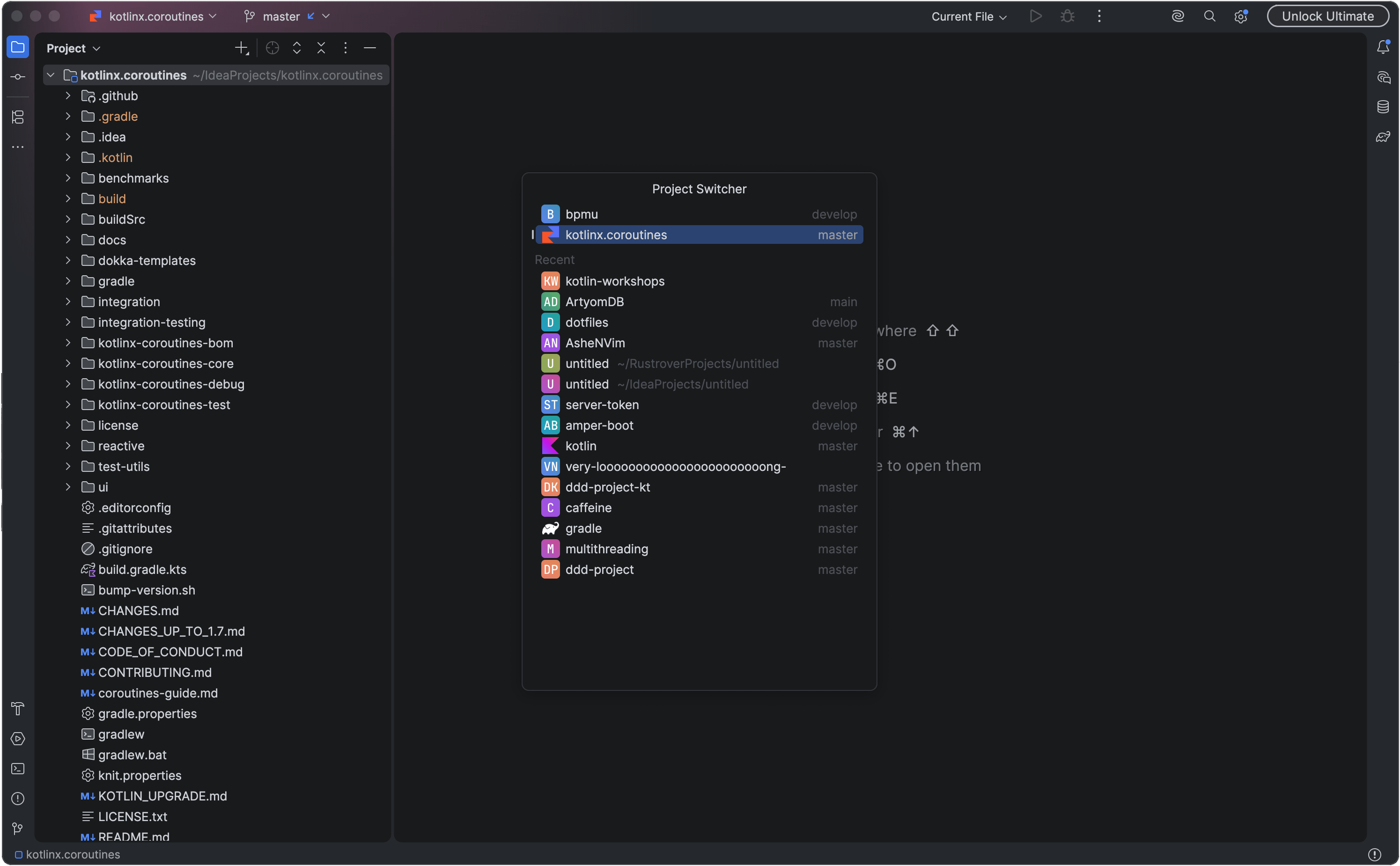
Switch between open and recent projects from a compact keyboard-driven popup.
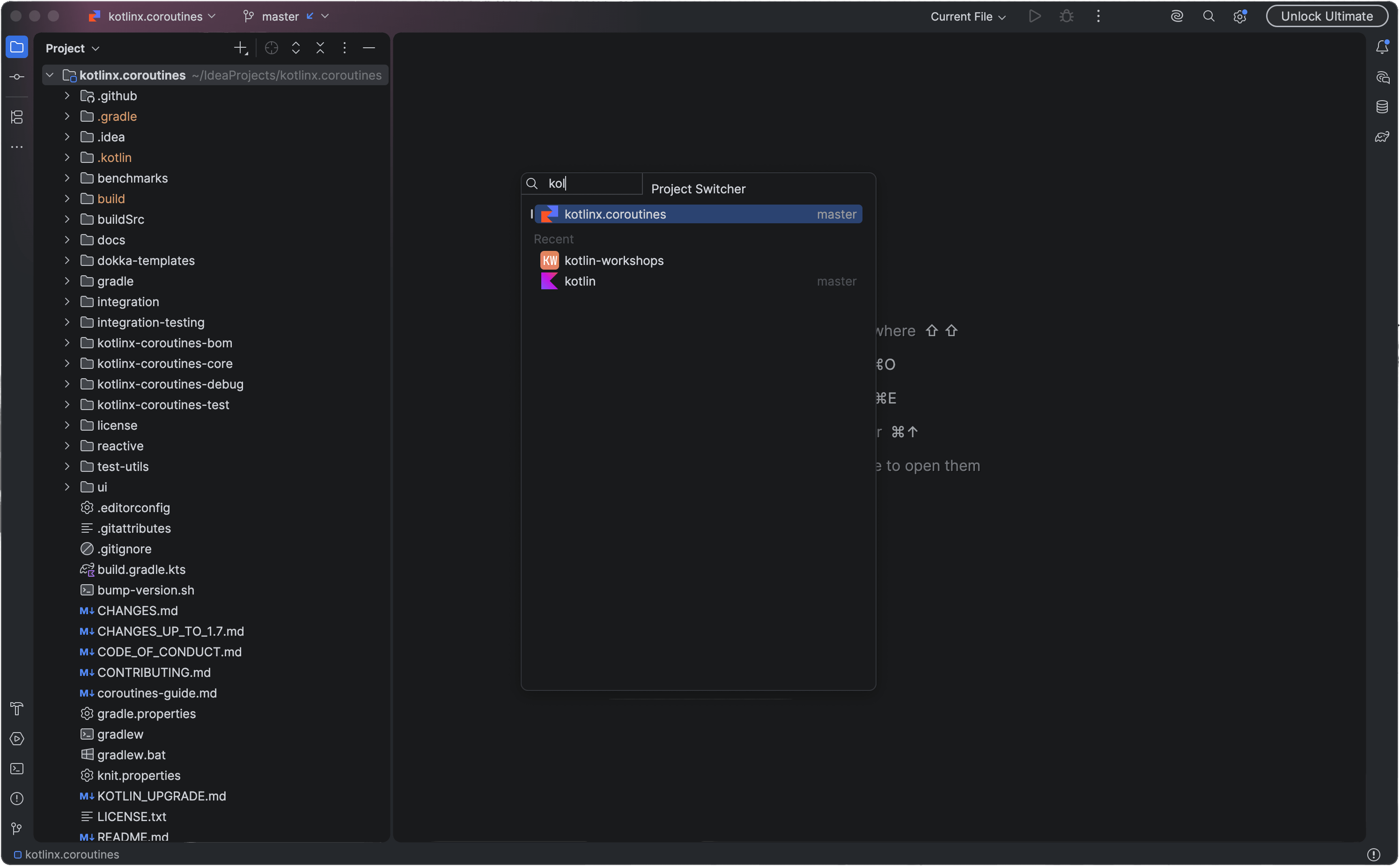
Press Alt+F2 to open Project Switcher, and again to close it. Type to filter projects by name or location. Search tolerates common typos and supports keyboard-layout correction. Open projects are listed from the most recently used, and the previous project is selected, so Alt+F2 then Enter switches back to it.
Shortcuts
- Up / Down — select the previous or next row
- Page Up / Page Down, Home / End — navigate longer lists
- Enter or a click — open the selection according to the IDE's Open project in setting
- Shift+Enter or Shift+click — open a recent project in the current window
- Ctrl+Enter or Ctrl+click — open a recent project in a new window
- Cmd+W on macOS, Ctrl+W elsewhere — close an open project or remove a recent one
- Esc — clear the query; with no query, dismiss the popup
In Settings | Tools | Project Switcher, you can replace speed search with a search field above the list or display the selected project's location and available shortcuts below it. You can also choose Delete and Backspace in place of Cmd+W for closing projects.
Assign your own shortcut in Settings | Keymap | Switch Project or run the action from Tools | Switch Project.
Plugin ID:
dev.ashenarx.project-switcher
