


Xcode-Dark Theme
Тёмная тема оформления с цветами из Xcode Dark для IDE
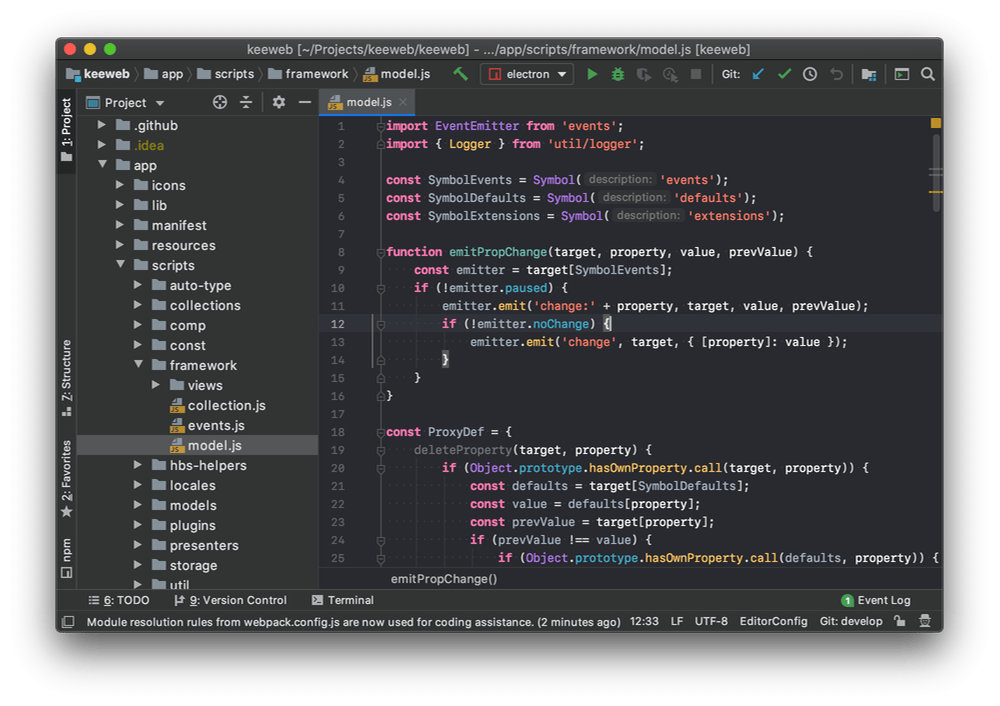
This theme brings colors from the Xcode Dark theme to IntelliJ.
To install:
- Go to Settings (Preferences) | Plugins, find the theme plugin, and install it
- Restart the IDE
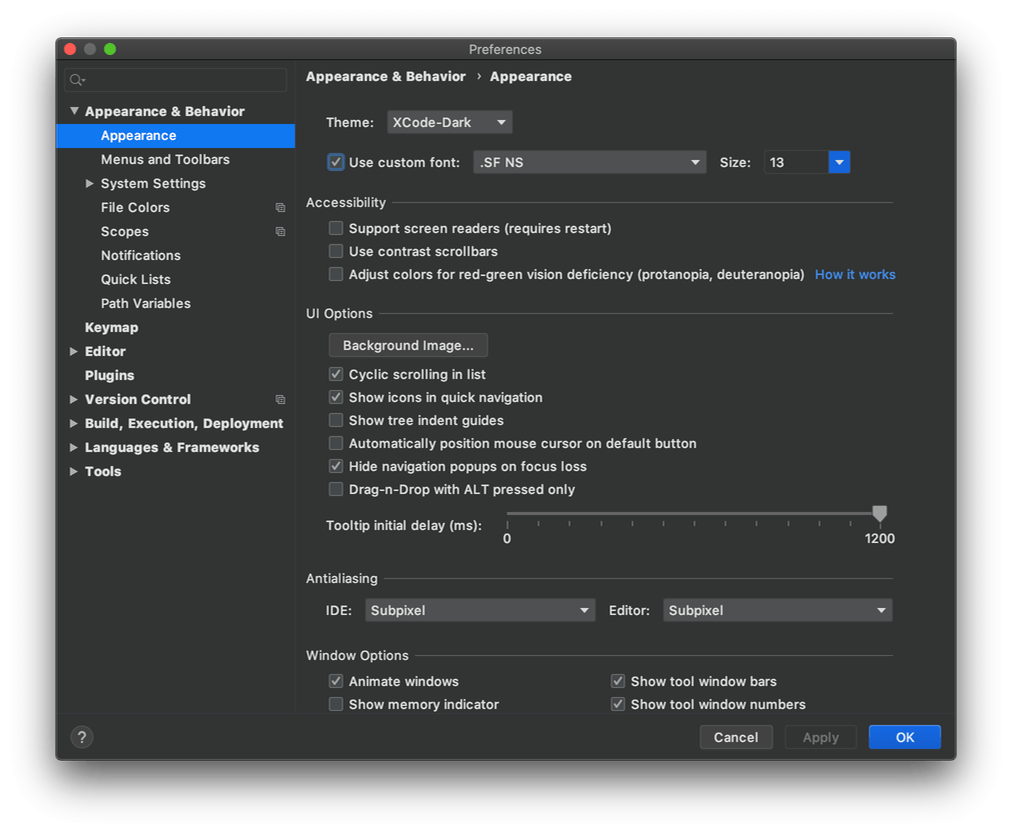
- Go to Settings (Preferences) | Appearance & Behavior | Appearance and select Xcode-Dark in the Theme dropdown
GitHub: source code and issues
Похожие плагины
Все в категории «Темы»
Gerry Themes
GerryThemes
Коллекция из 27 тем и улучшенная подсветка синтаксиса

One Dark Theme
Mark Skelton
Тёмная тема One Dark для интерфейса и редактора, включая вариант Islands

Dracula Theme
Zihan Ma
Тема Dracula: тёмная цветовая схема и оформление интерфейса

Catppuccin Theme
Catppuccin
Пастельная тема Catppuccin с четырьмя палитрами по 26 цветов